How to use flashcards and Learn mode in StudySoda
Use known cards, stars, and repeat practice for different purposes, and understand what your saved progress actually records.
AI-assisted writing. Feature steps checked against StudySoda’s current editor, study screens, and API contracts. Our editorial approach
Use known status to record recall, stars to choose what to revisit, and Learn for a guided round. Wait for progress to save before leaving.
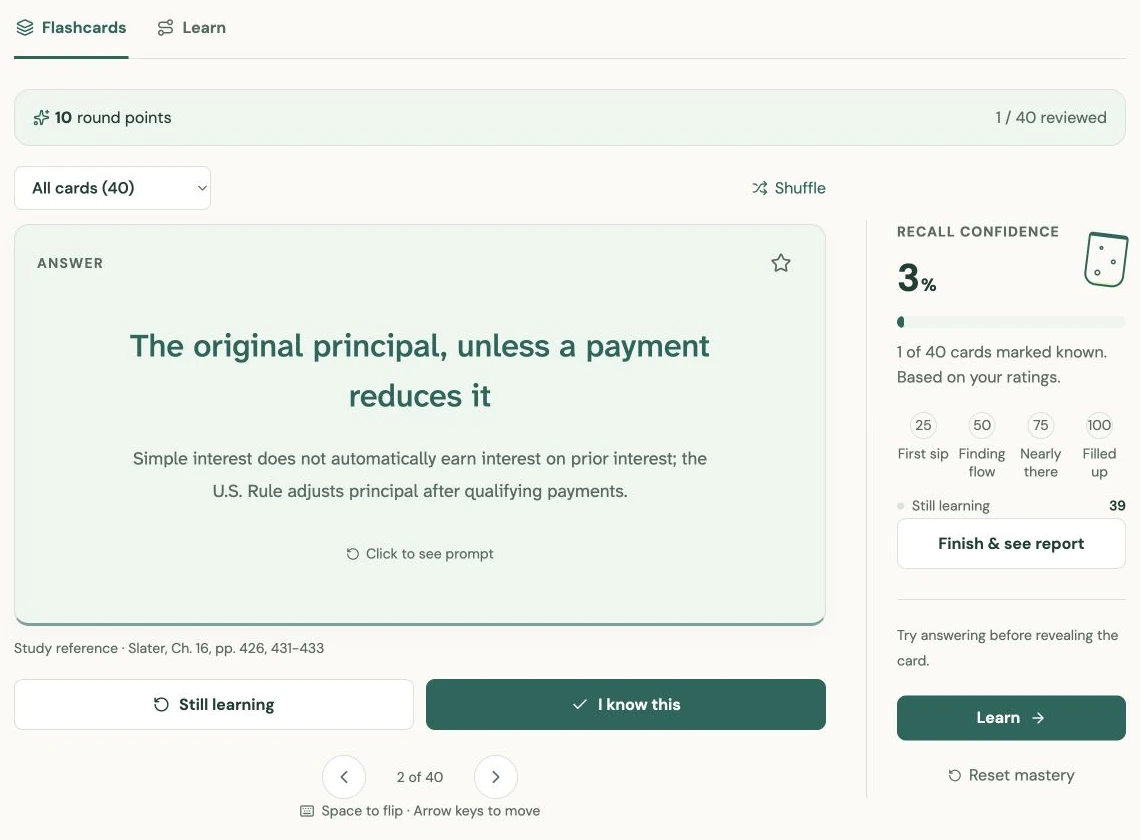
Try the answer before flipping the card
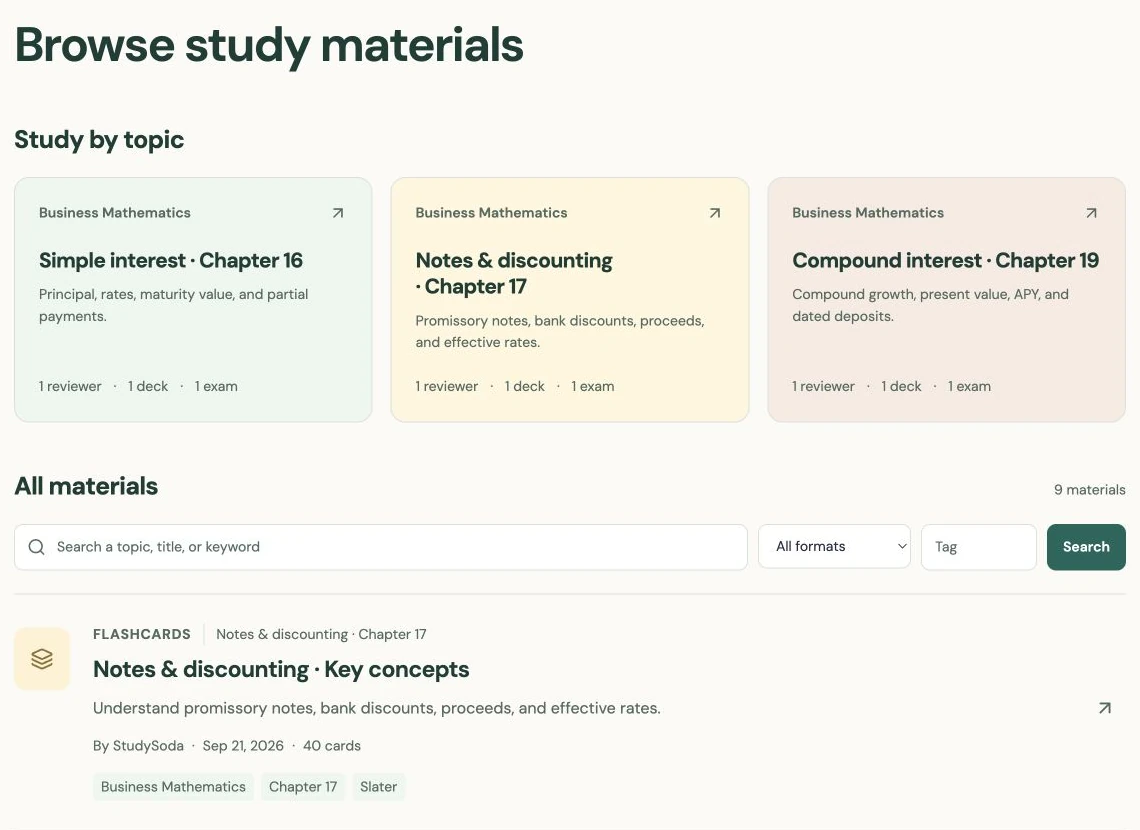
Open a public flashcard deck to start without an account. Guest progress is temporary and linked to this browser; sign in to track future sessions in your account. Guest history stays separate. Read the front and try to answer aloud, on paper, or in your head before revealing the back. Compare your answer with the full meaning, including conditions and units, rather than recognizing a familiar word.
After revealing the answer, choose I know this or Still learning. Be consistent about what counts as knowing a card. For a definition, you might require the central idea in your own words. For a formula, require the variables and the condition under which it applies.
For example, remembering I = P × r × t is incomplete if you then multiply an annual rate by six for a six-month period. Marking that card Still learning gives you a more useful record than awarding yourself credit for recognizing the formula.
Keep stars separate from known status
Known status and stars answer different questions. Known records your self-assessment. A star marks something you want to return to, such as an important exception, an unclear explanation, or a question to ask in class. A card can be both known and starred.
Use the Still learning filter to focus on cards you have not marked known. Use Starred for the group you selected yourself. All returns to the whole deck. Shuffle can help you check whether you know the card independently of the order you first studied it in.
In the card area, keyboard controls can help you move through the deck and flip a card. The visible controls remain available on touch screens. Do not rush the self-assessment simply to complete the progress bar; the marks are only as helpful as the decisions behind them.
Use Learn for a guided round of recall
Learn starts with cards still to learn when there are any. If all cards are marked known, you can practice the deck again. Where the deck has enough distinct answers, Learn uses answers from other cards as multiple-choice options. With too few distinct answers, it offers a reveal-and-assess flow.
After a miss, the card returns after a short gap within the round. Read the explanation or source reference when one is provided before continuing. The gap gives you another opportunity to recall the answer after seeing other material; it is not a calendar-based review schedule.
This distinction matters when planning your study. StudySoda does not automatically schedule a card for next Tuesday or promise a particular spaced-repetition algorithm. You choose when to return. The round helps you practice and revisit misses while you are using it.
Finish deliberately and use the saved record
Flashcards award 10 round points per distinct card reviewed, with a report after you rate the round or choose Finish & see report. Use Review these cards to revisit the cards you marked Still learning.
In Learn, choose Finish for now to stop early. The report shows first-try recall and your best answer streak. A correct retry improves your current known status without changing the first-response result. Download either report with Save report.
Round points and streaks reset on a new round or page reload; they reward practice, not proven mastery. Return to the topic’s reviewer if the problem is understanding the idea, rather than only remembering the wording on a card.
Watch the save status before navigating away. If a save fails, use the retry control and keep the page open until it succeeds. Saved progress records known and starred cards and your position, but it is not a promise to restore the exact randomized order of a Learn round.
On a later session, revisit a few known cards as a check and work through the remaining ones. If repeated mistakes come from an ambiguous prompt, edit your own deck or make an appropriate copy of a public deck. Clear content and honest self-assessment make the progress record more useful.
Put it into practice.
Browse flashcardsFurther help
- Browse flashcards
Open a public deck and choose its flashcard or Learn mode.
- Write better cards
Prepare clear prompts and check pasted pairs.