Study public materials without an account
Read reviewers, practice cards, and take exams as a guest, with temporary progress linked to this browser.
AI-assisted writing. Feature steps checked against StudySoda’s current editor, study screens, and API contracts. Our editorial approach
You can study public materials straight away. Guest progress lasts up to 30 days in this browser and stays separate from account history.
Choose a material and start studying
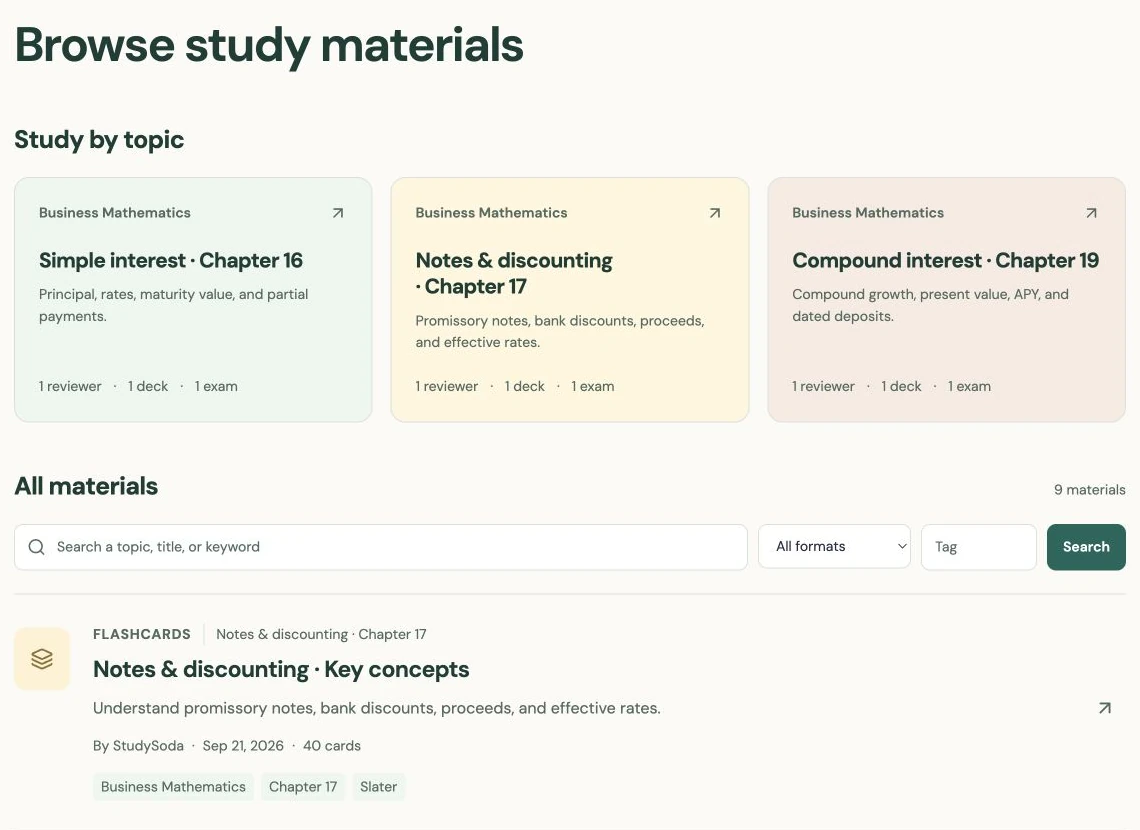
Open Browse and choose a public reviewer, flashcard deck, or exam. You do not need an account to read the reviewer or use the public study screens. A subject groups a course, while a topic can connect several formats for the same lesson.
Start with the format that matches your immediate goal. Read a reviewer when the method is unfamiliar. Use cards when you want to recall a definition or step. Choose an exam when you want to complete a set of questions before reviewing the answers.
Public materials are created by people and may contain mistakes. Check the author, description, conventions, and any references before relying on a set. Public access tells you who can open it, not whether an instructor has approved its content.
Use cards and Learn with honest feedback
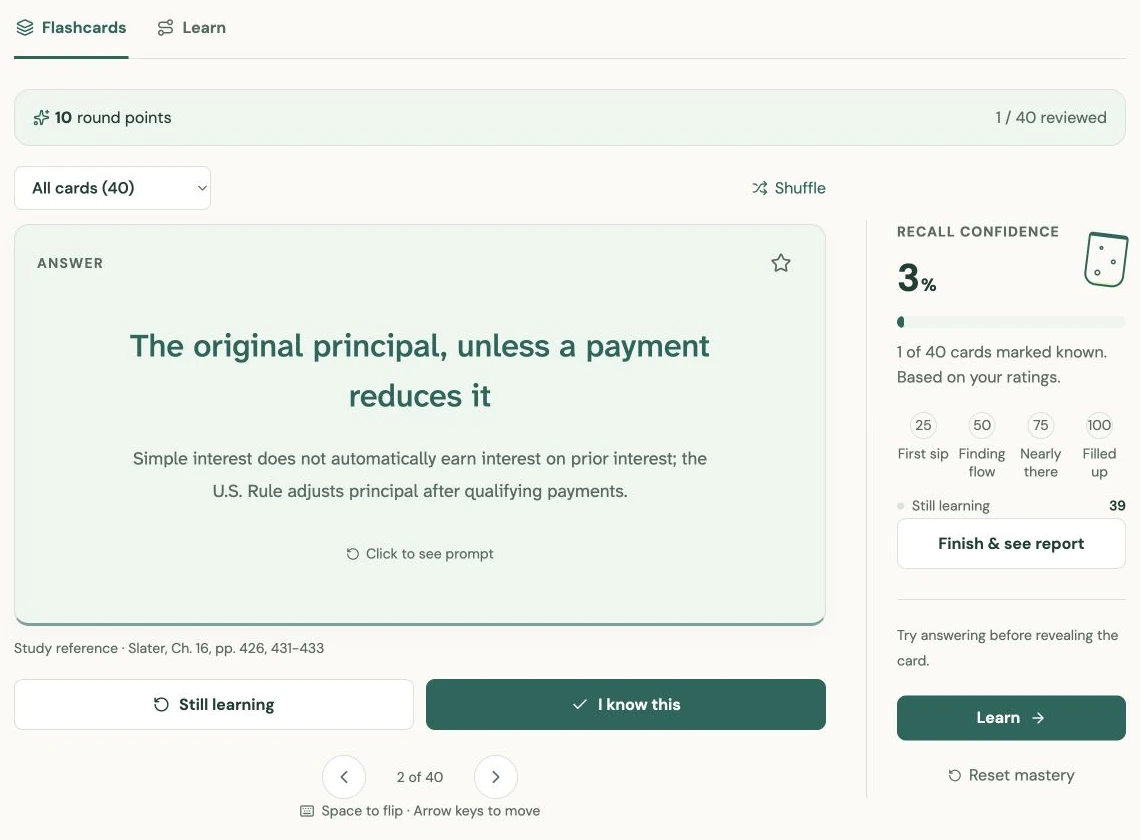
Reveal a card only after trying to recall its answer. Mark I know this or Still learning according to your recall, and use stars to collect cards you want to revisit. The guest record saves known-card state, stars, and position for this browser.
Learn uses the same known-card state to focus a round. Its current round points, streak, and report are session-local; they are not a permanent record of everything you have studied. Reloading a round can reset those details even while saved known-card state remains.
Keep the distinction useful: a star means “revisit this,” while known means you recalled it. Neither promises you will remember it next week. Revisit a small selection later and try answering again instead of treating a high round score as mastery.
Submit an exam before checking answers
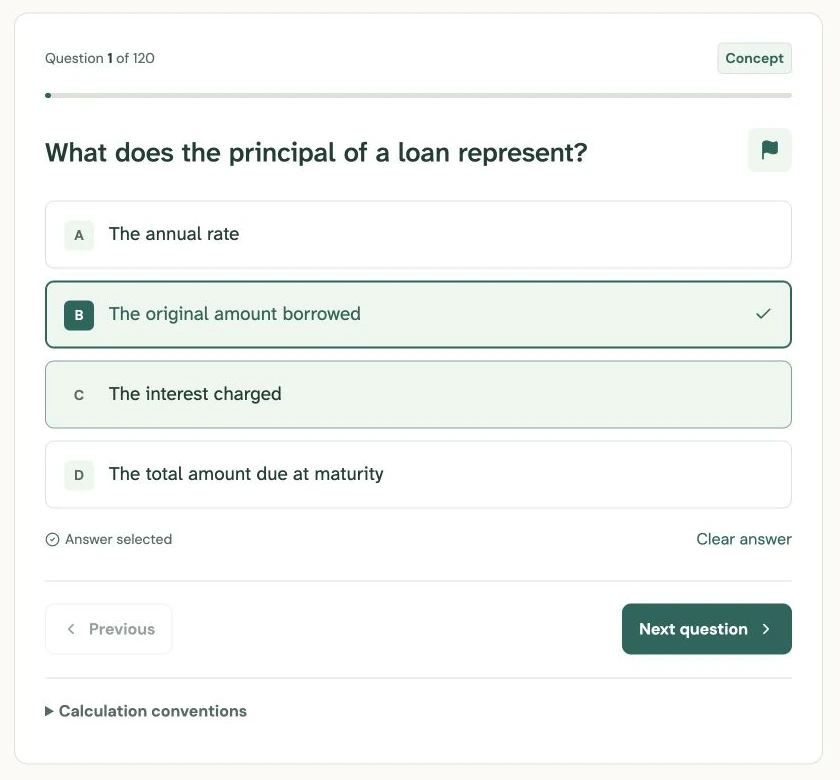
Start a public exam to create a browser-linked attempt. If an unfinished attempt exists for that browser, the study screen can resume it. Answers, flags, and your current question save as you work. Use flags for uncertainty; flagging does not itself change the score.
Answers and explanations remain hidden until you submit. Read the submission summary, especially the unanswered count, then confirm when ready. The server grades the saved attempt and shows the result with its explanations. Use the missed-question view to decide which idea needs another pass.
An attempt keeps the question snapshot it started with, so a creator’s later wording edit does not rewrite your submitted result. Guest access still requires the source to remain public. If the owner makes it private or removes it, an old guest result may no longer be available.
Know what the browser record can preserve
Guest progress is stored on the server and linked by a browser cookie for a fixed window of up to 30 days. It does not follow you to another device or browser. Clearing cookies, losing the cookie, or closing a private-browsing session can remove your access sooner.
Sign in when you want future study sessions recorded in an account. Signing in does not merge earlier guest history: the account uses its own study records. Download a useful report while it is available instead of treating temporary browser history as your only copy.
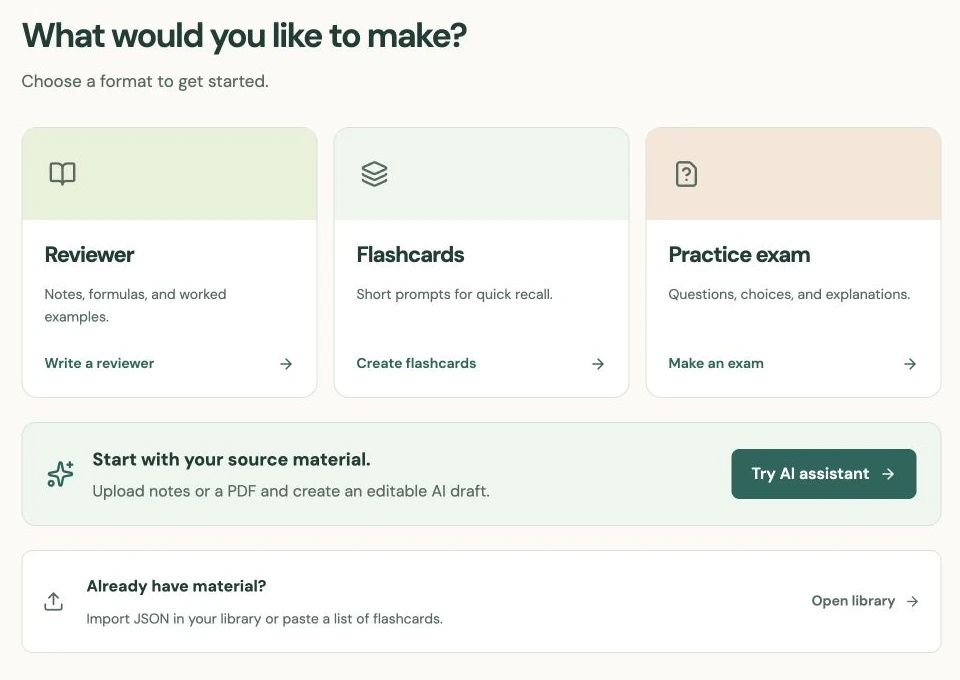
Creating materials, keeping a library, and bookmarking still require sign-in. You can continue exploring and practicing public content as a guest. If a result becomes unavailable, check whether you are in the original browser and whether the source is still public; signing in cannot restore a lost guest cookie.
Put it into practice.
Browse public materialsFurther help
- Browse public materials
Reviewers, flashcards, and exams available to guests.
- Study reports
Read feedback and work through missed questions.