Public or private? Choose who can see your study materials
Understand the public default, Pro privacy, share links, and what changes when you make a published material private.
AI-assisted writing. Feature steps checked against StudySoda’s current editor, study screens, and API contracts. Our editorial approach
Public means published for other people to access and discover. Private means only the owner can access the material; a share link does not grant access.
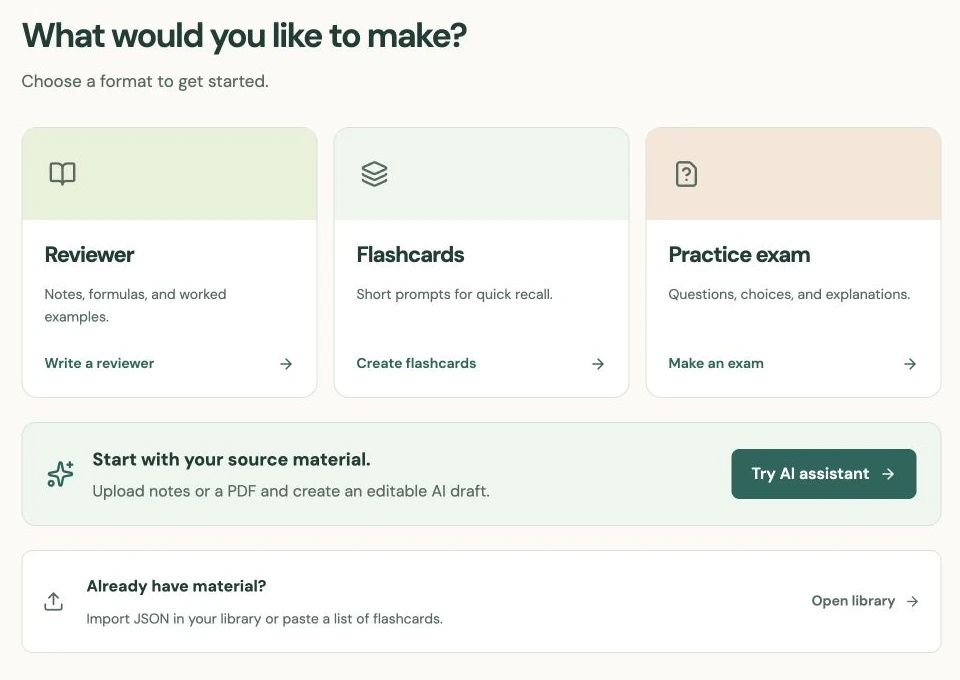
New materials start with Public selected
StudySoda’s new-material default is Public, including for Pro accounts. A public reviewer, deck, or exam can appear in Browse, be opened by other visitors, and be discovered by search engines. It is published under your account’s display name.
In Review & publish, read the selected visibility before the final action. Remove names, grades, personal information, restricted course documents, or anything else you do not intend to publish. Being useful for your own study does not automatically mean a source is appropriate to redistribute.
Free accounts create and edit public materials. Pro enables the Private choice. Selecting Private limits access to the owner; it is not an unlisted class link, password-protected sharing option, or invitation system. Choose visibility based on the actual audience you want.
Know what making a material private can change
With Pro, you can change a material to Private in its editor. This removes other visitors’ access to that material on StudySoda and removes it from the current public collection. A copied link does not override the new permission.
It cannot recall copies, exports, screenshots, or information someone already saved. Search engines also control their own indexing and cached results, so making a material private is not a promise of instant removal from every search result.
For an exam, other users’ active attempts become unavailable when the source is made private. Their previously submitted results remain available to them. Consider that effect before changing a practice exam that classmates are currently answering. If you publish an existing private material, the editor asks you to confirm that change deliberately.
A plan change or topic assignment does not publish private work
Authorized site administrators can view and edit private materials for site operations; private visibility excludes other learners and search engines, not the operator.
If Pro access ends, existing private content stays private. You can still read, study, export, or delete your own private materials. Continuing to edit them privately requires Pro; choosing to publish them publicly is a separate decision. The application does not automatically expose them because a plan changed.
Subjects and topics organize materials but do not replace each material’s visibility. A topic with one public reviewer and one private deck shows visitors the public reviewer only. Its public title and description should still be appropriate to share.
API imports follow the same public default and Pro restriction. An integration should always send an explicit visibility value rather than assume an imported draft will be private. Review your plan in plan settings and use the API guide when connecting another tool.
Put it into practice.
Compare Free and ProFurther help
- Free and Pro
Current availability of private materials.
- Privacy information
Account and service privacy information.
- API documentation
Explicit visibility on material creation and imports.