How to create a study reviewer from class notes
Turn a long set of notes into a readable reviewer with headings, worked examples, and a clear publishing check.
AI-assisted writing. Feature steps checked against StudySoda’s current editor, study screens, and API contracts. Our editorial approach
A useful reviewer explains what matters, shows one complete example, and gives you something to recall without looking.
Start with one lesson and one clear title
A reviewer is easier to use when it answers a specific need. “Simple interest: formulas and day counts” tells a classmate more than “Math notes.” Before opening the editor, choose the lesson, the source pages, and the questions the reviewer should help someone answer.
Take your class notes and separate three things: the main ideas, the procedures, and the exceptions. Remove repeated sentences, but keep the conditions that change an answer. A short formula without its units or assumptions can be less useful than a slightly longer explanation.
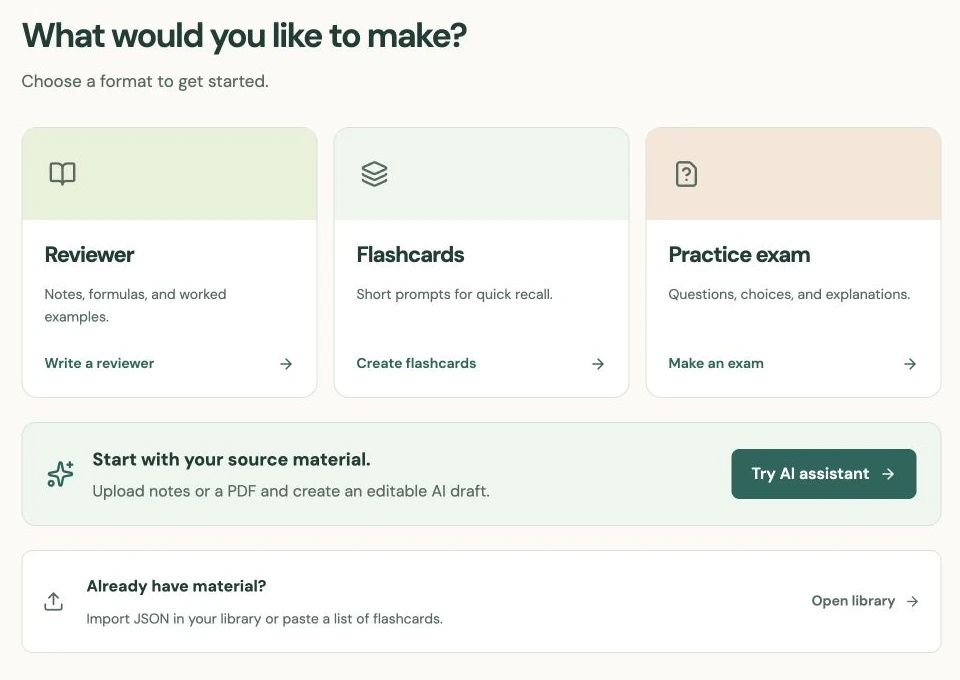
Open Create reviewer, sign in if needed, and add your title. Keep a copy of your original notes while preparing the material. The editor’s leave-page warning is a safeguard; it does not replace saving your work.
Give the reviewer a structure you can scan
In Visual mode, begin with a short explanation of the lesson, then add headings for its main sections. A practical outline is “Key ideas,” “Method,” “Worked example,” and “Common mistakes.” Use the same terms your teacher or source uses so the reviewer is easy to compare with the original.
Use bold for a few important terms and lists for actual steps. Tables help when comparing two conventions or definitions. Underline, highlighting, and text sizes are available, but highlighting every sentence removes the distinction you are trying to create.
For example, a simple-interest reviewer should define principal, rate, and time before presenting I = P × r × t. Put a note beside the formula that an annual rate needs time in years. That small instruction prevents a common six-month-versus-six-year mistake.
Include one example that stands on its own
Write the problem, identify the values, substitute them, and explain the final unit. For $3,000 at 8% annual simple interest over six months, show t = 6/12, then I = 3,000 × 0.08 × 0.5 = $120. Distinguish that interest from the $3,120 maturity value.
Follow the example with a brief check: does the result have the expected size, and did you answer the quantity requested? Add the textbook chapter, page, or another source reference near the explanation. Paraphrase material you are allowed to share; a reviewer does not need to reproduce a whole chapter.
End with two or three prompts such as “Why do we divide months by 12?” They can later become a separate flashcard deck. Creating the reviewer itself does not generate cards or an exam.
Preview the content, then check who can see it
Use Preview to read the page as a learner. Check headings, table width, formulas, and links. The Markdown view is useful if you prefer plain-text formatting. If you edit Markdown after using rich formatting, StudySoda warns that underline, highlighting, custom sizes, and complex table layout will be removed. Choose that conversion deliberately.
Continue to Review & publish. Add a subject or topic if it helps organize the lesson; these are optional. A topic can connect this reviewer to independently created cards and exams.
Check visibility before the final action. New materials default to Public and publish under your display name. Private is available with Pro. Remove personal details, restricted class material, and unfinished claims before publishing publicly. After saving, open the reviewer and check its actual reading view once more.
Put it into practice.
Create a reviewerFurther help
- Reviewer editor
Visual, Markdown, Preview, and Review & publish workflow.
- Sharing and privacy
How public materials and Pro private materials differ.