How to import AI-generated quizzes with the StudySoda API
Review prepared questions, send a valid import payload, and use scoped keys and idempotency without exposing credentials to an AI prompt.
AI-assisted writing. Feature steps checked against StudySoda’s current editor, study screens, and API contracts. Our editorial approach
Let an AI prepare content, then validate and send it through a trusted integration. Keep the API key outside the prompt and choose visibility explicitly.
Separate content preparation from publication
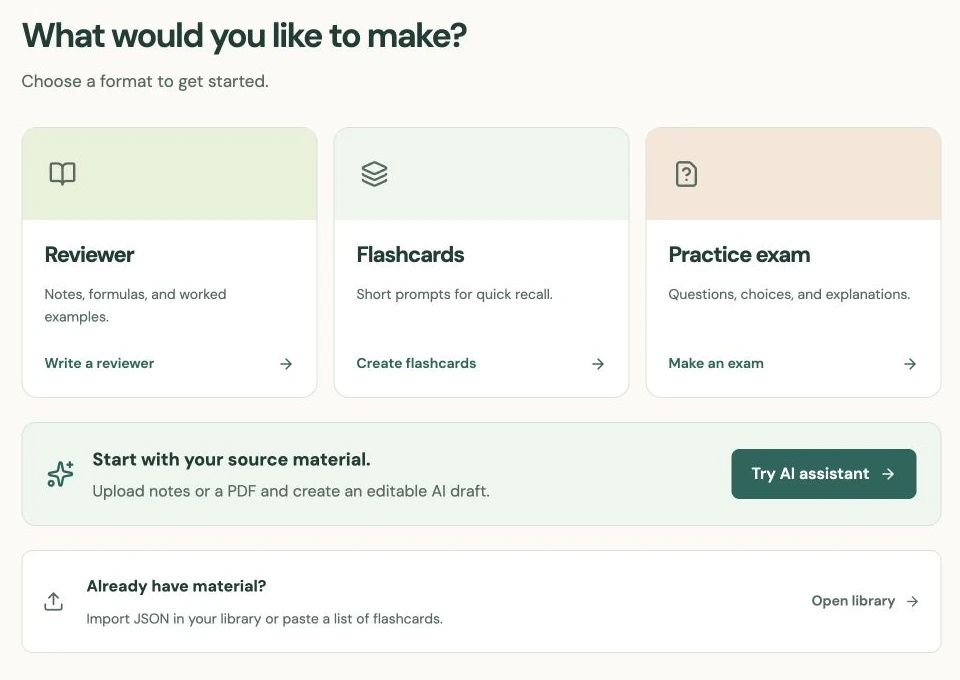
An external AI can help draft question prompts, choices, and explanations. StudySoda’s import API accepts prepared materials. To generate a draft directly from a document, use the separate AI assistant, then review it in the editor. Neither workflow independently verifies every AI answer.
Before sending anything, check every answer, calculation, source reference, and right to publish the material. Ask for one defensible correct answer per question, distinct choices, and an explanation that shows the reasoning. A plausible-looking payload can still contain a misleading question.
Use a small first batch so you can inspect the result. New materials default to Public. Send an explicit visibility value: choose public only for content you intend to publish, or private if your account has Pro and you want it hidden from other learners. Authorized site administrators can still access private materials.
Keep credentials in the integration, not the prompt
Create a key in API settings. Importing requires the materials:write scope. Add materials:read only if the integration also needs to read or export your materials. The full key is shown once; store it in a server-side secret or environment variable.
Do not paste a key into an AI chat, commit it to a repository, include it in screenshots, or put it in browser code. A trusted local or server-side program should attach the credential when it sends the request. The AI preparing the questions needs the content schema, not your account secret.
Give the key a recognizable name and an appropriate expiry. Revoke it when the integration is retired or if the secret is exposed. Each key acts within its owner’s permissions; it is not a way to import into another person’s account or topic.
Send questions with zero-based answer indexes
Send a POST request to /api/v1/import with Content-Type: application/json, an Authorization: Bearer header supplied by your trusted program, and an Idempotency-Key for that intended batch. This example deliberately publishes one practice question:
{
  "materials": [
    {
      "title": "Simple interest: a first check",
      "description": "One worked calculation using a monthly time conversion.",
      "kind": "quiz",
      "visibility": "public",
      "tags": [
        "simple interest"
      ],
      "content": {
        "conventions": "Use annual simple interest. Convert months to years.",
        "questions": [
          {
            "id": "interest-01",
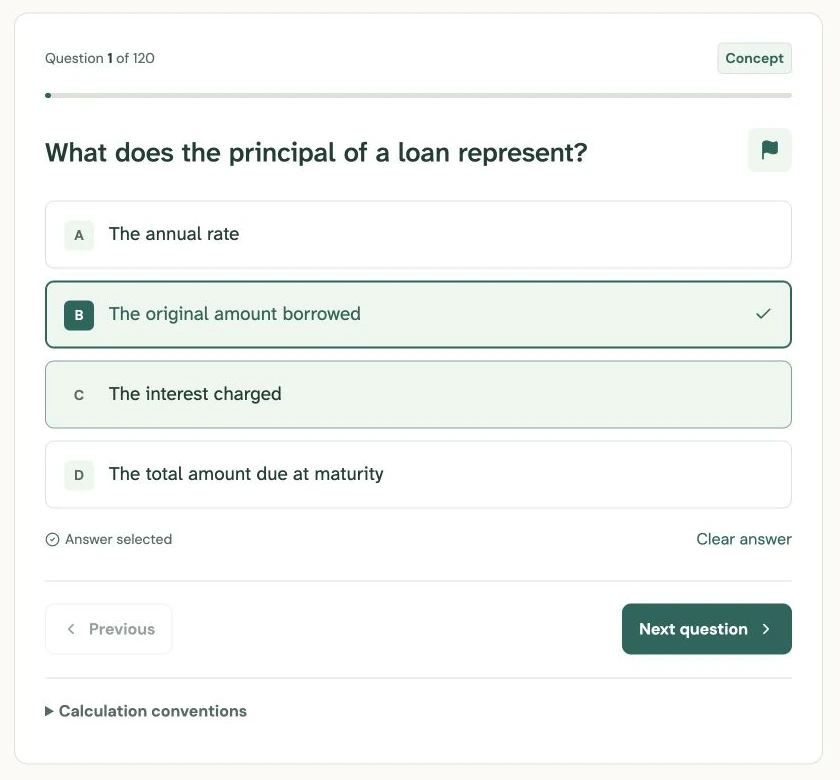
            "prompt": "What is the simple interest on $3,000 at 8% per year for six months?",
            "options": [
              "$120",
              "$240",
              "$1,440",
              "$3,120"
            ],
            "answer": 0,
            "explanation": "Six months is 6/12 year. I = 3,000 × 0.08 × (6/12) = $120. The $3,120 amount includes the principal, so it is the maturity value, not the interest.",
            "kind": "calculation"
          }
        ]
      }
    }
  ]
}
The answer value 0 selects the first option; it is not the letter A or a one-based position. Use unique question IDs within each material and include an explanation. Questions use concept or calculation as their kind. A topic ID is optional and must refer to a topic you own; do not ask an AI to invent account-specific IDs.
Treat retries and validation as part of the workflow
An import accepts up to 50 materials and 8,000,000 request bytes. Split larger collections into batches. A batch is atomic: if one material fails validation or asks for private access without Pro, the batch does not partially publish its other materials.
If a request times out and you do not know whether it succeeded, retry the same body with the same Idempotency-Key. Reusing that key with changed content causes a conflict; using a fresh key for the same successful batch can create duplicates. Use a new key for a genuinely new batch.
Read the response’s data wrapper and inspect the created materials in Library. Check the displayed questions and visibility before distributing links. For exports, remember that quiz answer keys are part of your content data. Protect an exported file accordingly, and consult the live API reference for the complete contract and error responses.
Put it into practice.
Read the API documentationFurther help
- API documentation
Authentication, scopes, imports, exports, and idempotency.
- OpenAPI reference
Machine-readable contract for the deployed StudySoda API.
- API key settings
Create and revoke account-scoped credentials.