How to create a mock exam with worked solutions
Build clear multiple-choice questions, mix concepts with calculations, and write explanations that make the results useful.
AI-assisted writing. Feature steps checked against StudySoda’s current editor, study screens, and API contracts. Our editorial approach
Treat each question as a small teaching unit: a precise prompt, one defensible correct choice, and an explanation of the reasoning.
Map the exam to the lesson before adding questions
List the ideas and procedures the exam should cover. For simple interest, that might include identifying principal, converting months to years, choosing a day-count basis, finding interest, and separating interest from maturity value. This gives you a coverage check when the exam becomes long.
Include both Concept and Calculation questions. A concept question can test why an annual rate needs time expressed in years. A calculation question can ask the learner to use that conversion. Adding many questions with only different numbers does not automatically test more ideas.
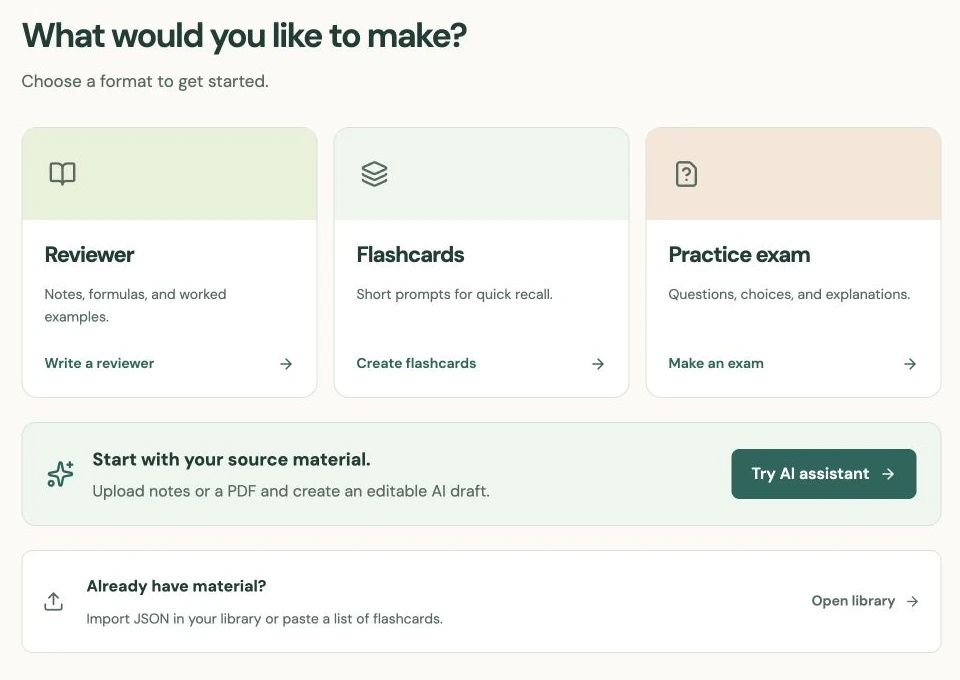
Open Create exam, add a descriptive title, and begin with a few representative questions. Check their quality before expanding the set. You can create a long exam, but each additional item should serve a clear purpose.
Make the prompt complete and the choices distinct
The prompt should include every fact needed to solve the problem, including units and any convention that changes the result. For day-based interest, say whether the year uses 360 or 365 days. Use the exam’s calculation conventions field for rules that apply throughout, and state exceptions in the individual question.
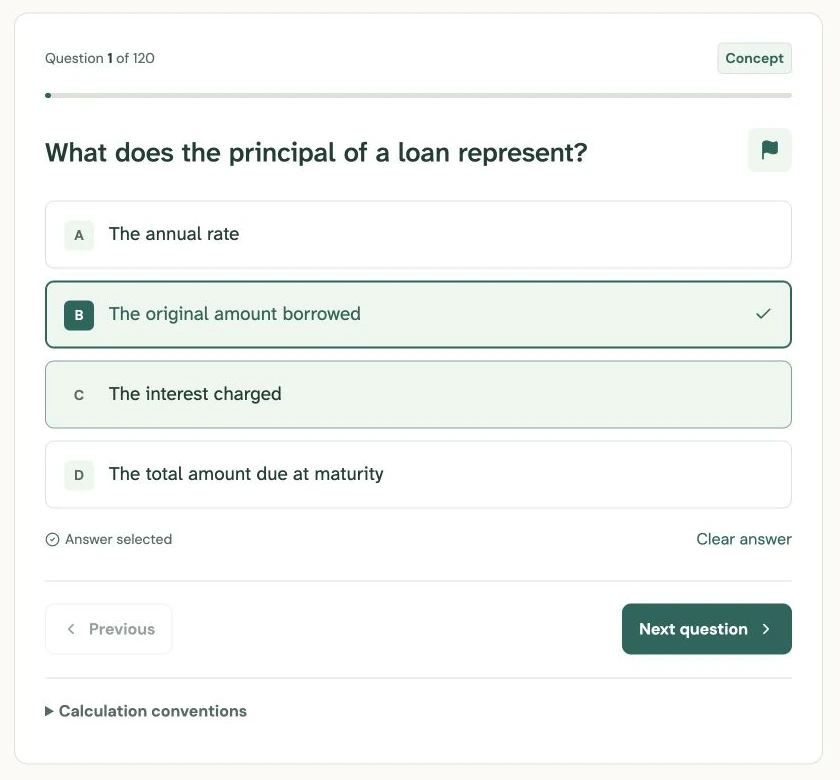
Add between two and six distinct answer choices and explicitly select the correct one. If you remove the selected answer, choose the correct answer again. Check that a rounded option is not effectively equal to another option under your stated rounding rule.
For example: “What is the simple interest on $3,000 at 8% per year for six months?” Choices of $120, $240, $1,440, and $3,120 can expose different mistakes. The correct answer is $120. The last choice is a maturity value, so the prompt must clearly ask for interest.
Explain the method, not just the answer letter
StudySoda requires an explanation for each authored question. For the example, show t = 6/12 = 0.5, then I = 3,000 × 0.08 × 0.5 = $120. Explain why $3,120 answers a different question. A learner can then distinguish a wrong formula from a correct calculation of the wrong quantity.
For a concept question, describe the rule and why it applies. Avoid “A is correct” as the whole explanation: options may be edited later, and the letter does not teach the idea. Add a source reference when the question depends on a particular chapter, definition, or convention.
Work every calculation independently before publishing. If an AI helped draft questions, check its keys, assumptions, and arithmetic just as you would check your own first draft. A fluent explanation can still contain a wrong step.
Publish deliberately and check the learner flow
In Review & publish, connect the exam to its topic if a reviewer or deck already exists. Check the visibility choice. New exams default to Public; Private requires Pro.
In a learner’s active attempt, answers and explanations appear only after submission. Questions can be flagged, and answers are saved as the learner works. Results include the score, missed items, and worked explanations. Try the flow to check whether the solutions are understandable without the original notes.
Use StudySoda exams for practice and self-assessment. Public materials can be copied, and a person editing their own copy can access its answer keys. There is no proctoring or secure assessment guarantee. Also, an already-started attempt keeps its original question snapshot; editing the source does not silently replace a learner’s active questions.
Put it into practice.
Create an examFurther help
- Exam editor
Question types, answer choices, explanations, and calculation conventions.
- Review an attempt
Saved answers, flags, submission, and result filters.